A project with an app, API, admin dashboard, and documentation site can end up with several hostnames:
example.com
├── www.example.com
├── app.example.com
├── api.example.com
├── admin.example.com
└── docs.example.com
Each service needs HTTPS.
You can manage a separate certificate for every subdomain, but depending on your infrastructure, a wildcard SSL certificate may be a more convenient choice.
This guide covers wildcard matching, DNS validation, and the trade-offs of sharing a certificate across services.
1. Why Wildcard Certificates Are Useful
A standard certificate typically covers one or more explicitly listed hostnames.
A wildcard certificate uses an asterisk to match a single subdomain level.
For example:
*.example.com
matches:
app.example.com
api.example.com
admin.example.com
docs.example.com
That means you can deploy the same certificate to several services instead of requesting a separate certificate for each hostname.
There are two common misconceptions worth clearing up.
A wildcard doesn't automatically cover the root domain.
*.example.com and example.com are different names. If you need both, the certificate must include both.
A wildcard doesn't match every possible depth.
*.example.com does not cover api.dev.example.com.
For that hostname, you'd need explicit coverage or a wildcard such as *.dev.example.com.
2. You Don't Need a Running Web Server to Get a Certificate
One of the more useful aspects of wildcard certificates is their DNS-based validation process.
Instead of proving domain ownership by serving a file from your web server, you add a DNS record.
The validation system checks whether the expected TXT record exists for your domain.
For example:
_acme-challenge.example.com
This offers some practical advantages:
- Your web application doesn't need to be running.
- You don't need to expose port 80 for validation.
- Validation isn't dependent on your reverse proxy configuration.
- You can request certificates before deploying your application.
This is useful when you're preparing a staging environment, building infrastructure from scratch, or working with services behind a CDN.
3. Request a Free Wildcard Certificate from Your Browser
If you only need a certificate occasionally, setting up a full certificate automation environment may be unnecessary.
There's a browser-based option available at:
The process is straightforward.
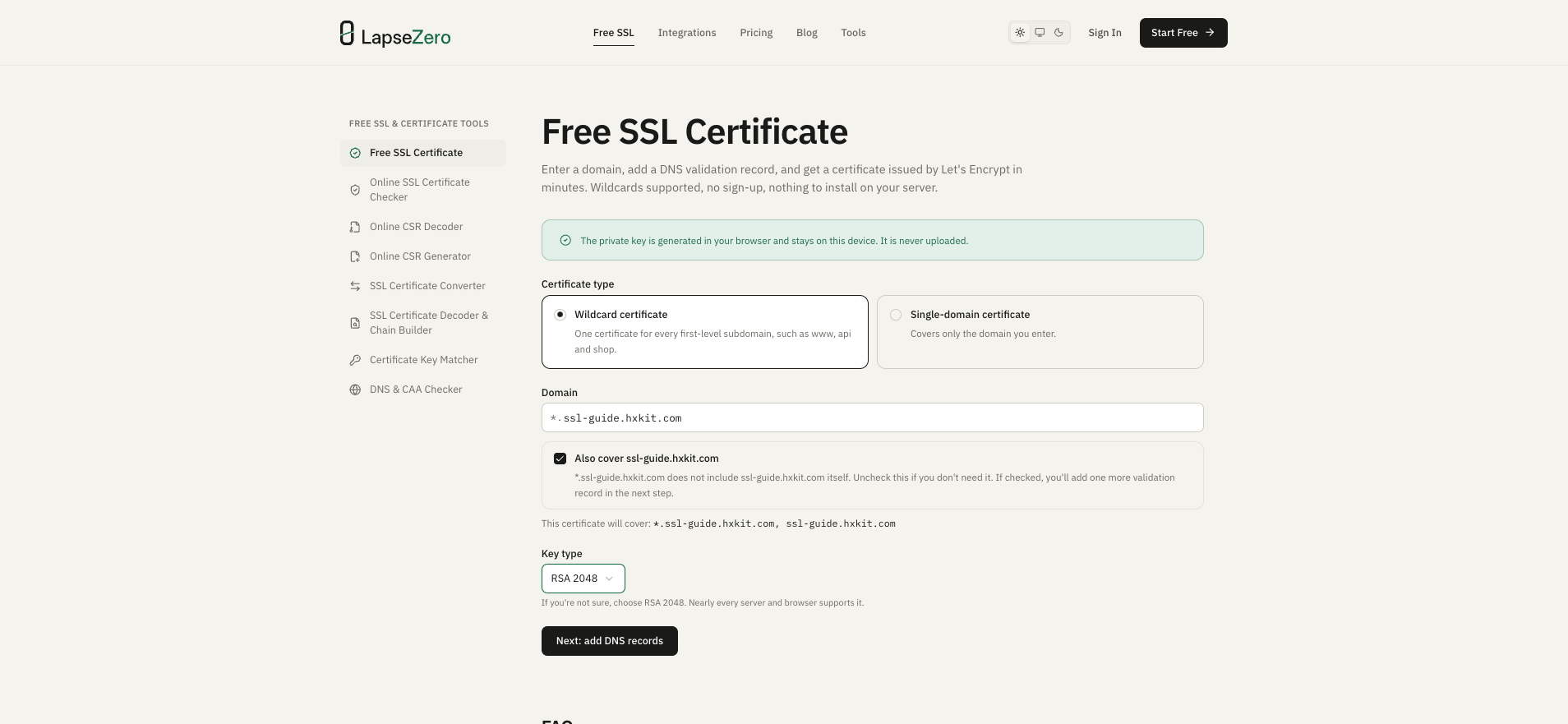
First, select the wildcard certificate option.
Enter your domain, such as example.com.
The tool includes both *.example.com and the root domain by default.
Next, complete DNS verification.
The page displays the TXT records needed to prove control of your domain. When both names are included, add both values as separate TXT records with the same name, then continue after they become available.
You can check the record using:
dig TXT _acme-challenge.example.com
Finally, download the certificate.
Once issuance succeeds, download the certificate and matching private key in the format appropriate for your server.
The tool doesn't require account registration or server-side installation.
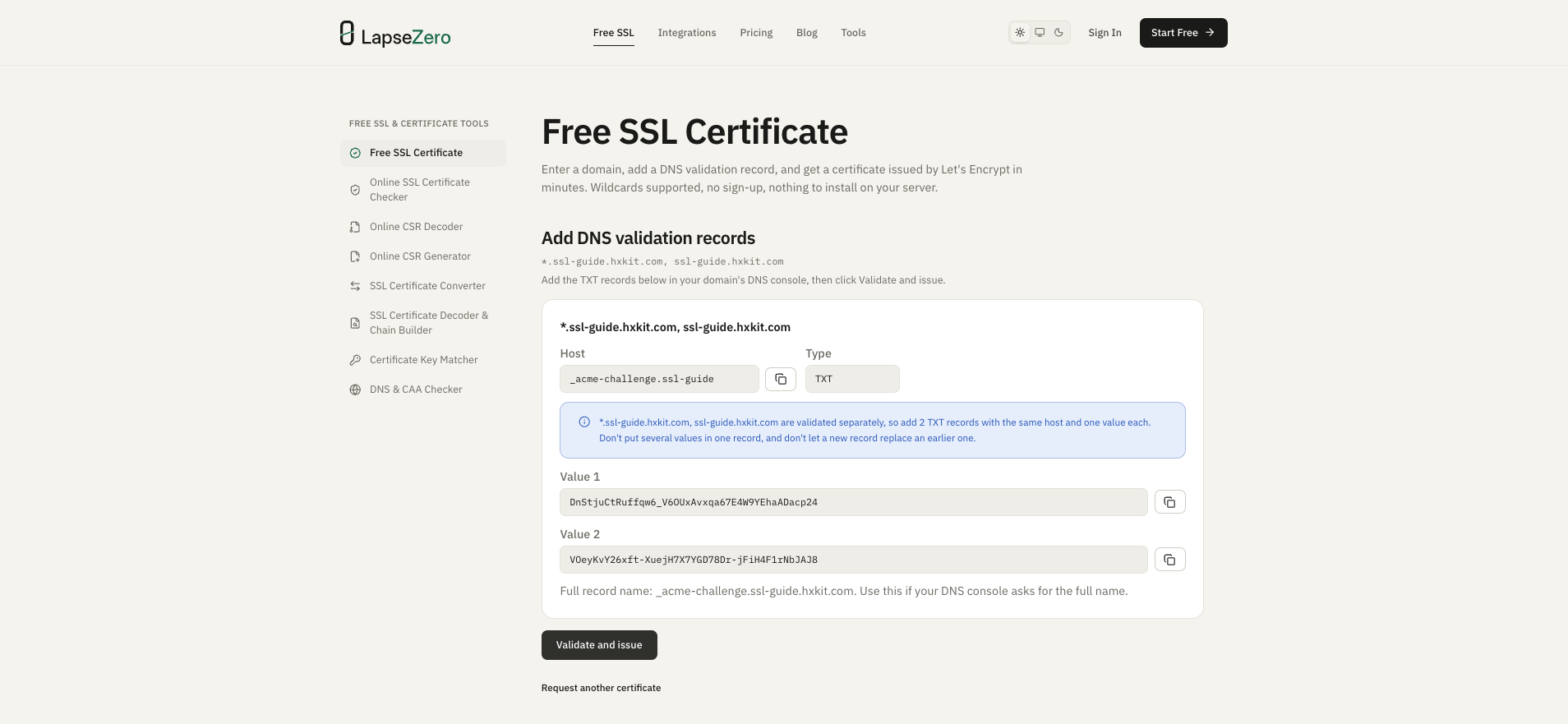
The screenshots use my test domain ssl-guide.hxkit.com; replace it with your own domain.
4. Where Should the Private Key Be Generated?
This is worth thinking about whenever you use an online certificate tool.
TLS certificates rely on public-key cryptography.
The server needs a private key that matches the public key associated with its certificate.
If a third-party service generates and stores your private key, you need to trust that service's handling of sensitive cryptographic material.
A safer design for a browser-based certificate tool is to generate the key locally and only transmit the information required for certificate issuance.
That's the approach used by LapseZero's free certificate request tool.
The private key is generated in the browser and isn't uploaded to LapseZero.
This reduces private-key exposure during the request process.
Of course, local key generation isn't a substitute for securing your device, browser, downloaded files, or production infrastructure.
5. One Certificate Across Multiple Servers: Is That Always a Good Idea?
Not necessarily.
Suppose your services run on different machines:
Server A → app.example.com
Server B → api.example.com
Server C → docs.example.com
You could install the same wildcard certificate and private key on all three servers.
Functionally, that works.
But there's a security trade-off.
If one server is compromised and its private key is stolen, the attacker may be able to use that key with the shared certificate for any covered hostname, subject to control of the corresponding traffic or endpoint.
For a small personal project, sharing a wildcard certificate might be a reasonable trade-off.
For environments with stricter isolation requirements, separate certificates and private keys may be preferable.
6. Certificate Issuance Is Only Half the Problem
There's a difference between getting HTTPS working today and keeping it working reliably.
The certificate issued for this walkthrough is valid for about 90 days. Check the expiry date on your own certificate.
That means you need a renewal strategy.
For a single site, manually replacing the certificate might be manageable.
For multiple servers, CDNs, and cloud load balancers, renewal involves more than requesting a new certificate.
You also need to:
- Obtain a replacement certificate before expiry.
- Distribute it to the correct deployment targets.
- Reload or update the relevant services.
- Verify that the new certificate is actually being served.
- Monitor for failures.
This is where automated certificate management becomes valuable.
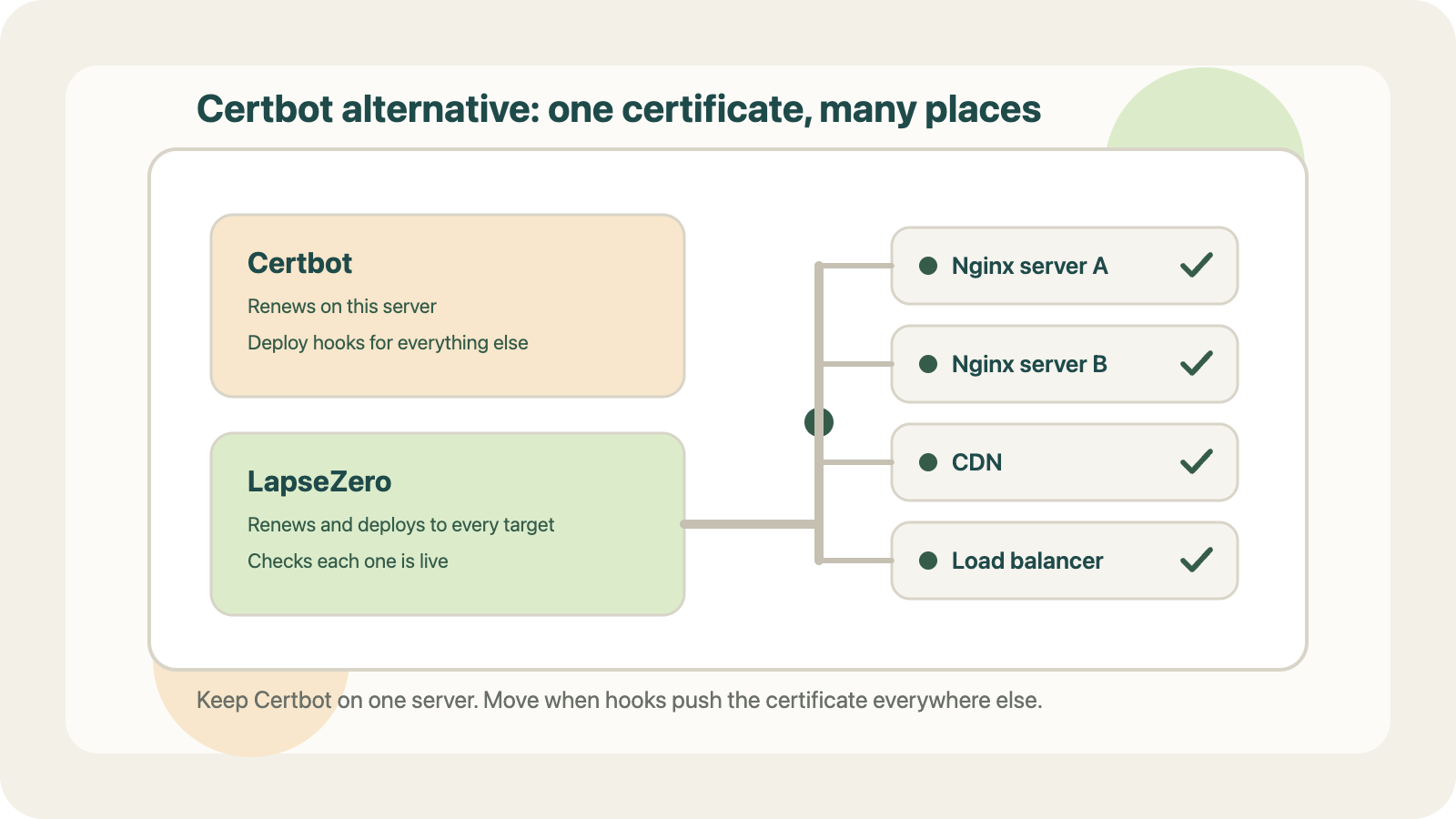
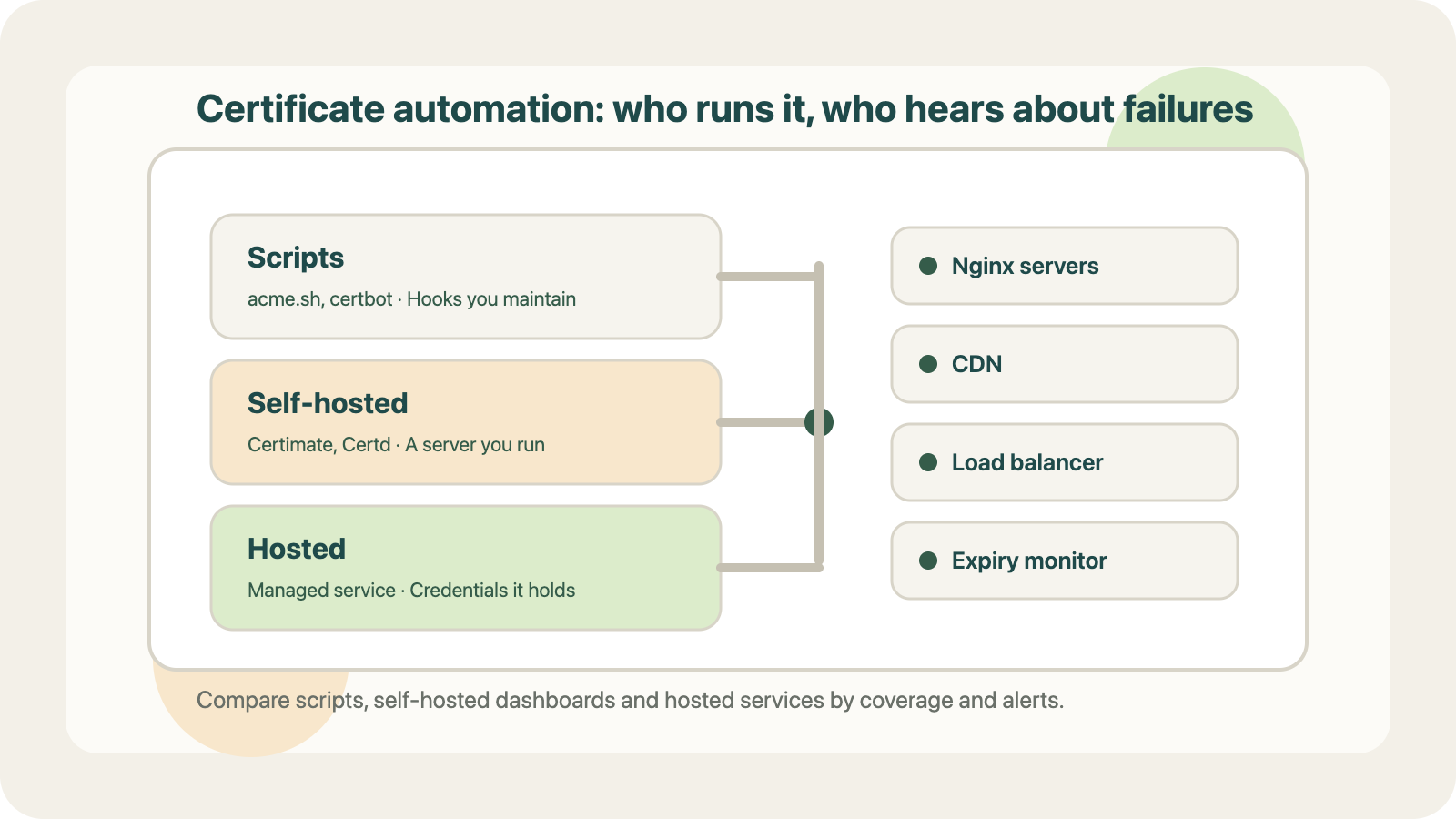
If you already have Certbot, acme.sh, or your own deployment scripts working reliably, you may not need another tool.
But for teams managing certificates across multiple environments, combining issuance, deployment, and monitoring into one workflow can reduce operational work.
7. Choosing the Right Approach
Here's how I'd think about it.
| Situation | Practical approach |
|---|---|
| One-off HTTPS setup | Browser-based certificate request |
| Personal project with several subdomains | Wildcard certificate |
| Existing automated server infrastructure | Certbot or acme.sh |
| Multiple deployment targets | Automated renewal and deployment |
| Strict service isolation requirements | Separate certificates and private keys |
I built the free browser-based certificate request tool as part of LapseZero, a project focused on simplifying SSL certificate issuance, renewal, deployment, and monitoring.
The free tool works without an account:
If you're managing multiple subdomains, I'd be curious to know how you're currently handling certificate renewal and deployment.
Do you use wildcard certificates, individual certificates, or a fully automated setup?
Comments
Join the discussionNo comments yet. Be the first to comment.